
How to install nslookup on Ubuntu
Install nslookup on Ubuntu by installing the dnsutils package, which includes nslookup and other BIND DNS query tools.
Install nslookup on Ubuntu by installing the dnsutils package, which provides nslookup along with other BIND DNS utilities like
digandhost.
Prerequisites
- An Ubuntu system (20.04, 22.04, or 24.04).
- A user account with
sudoprivileges. - Terminal access.
Step-by-Step: Install nslookup on Ubuntu
Update the system package list to ensure the latest package versions are available:
sudo apt updateAPT (Advanced Package Tool) downloads the current package index from the configured repositories.
Expected output:
Reading package lists... Done
Building dependency tree... Done
Reading state information... Done
62 packages can be upgraded. Run 'apt list --upgradable' to see them.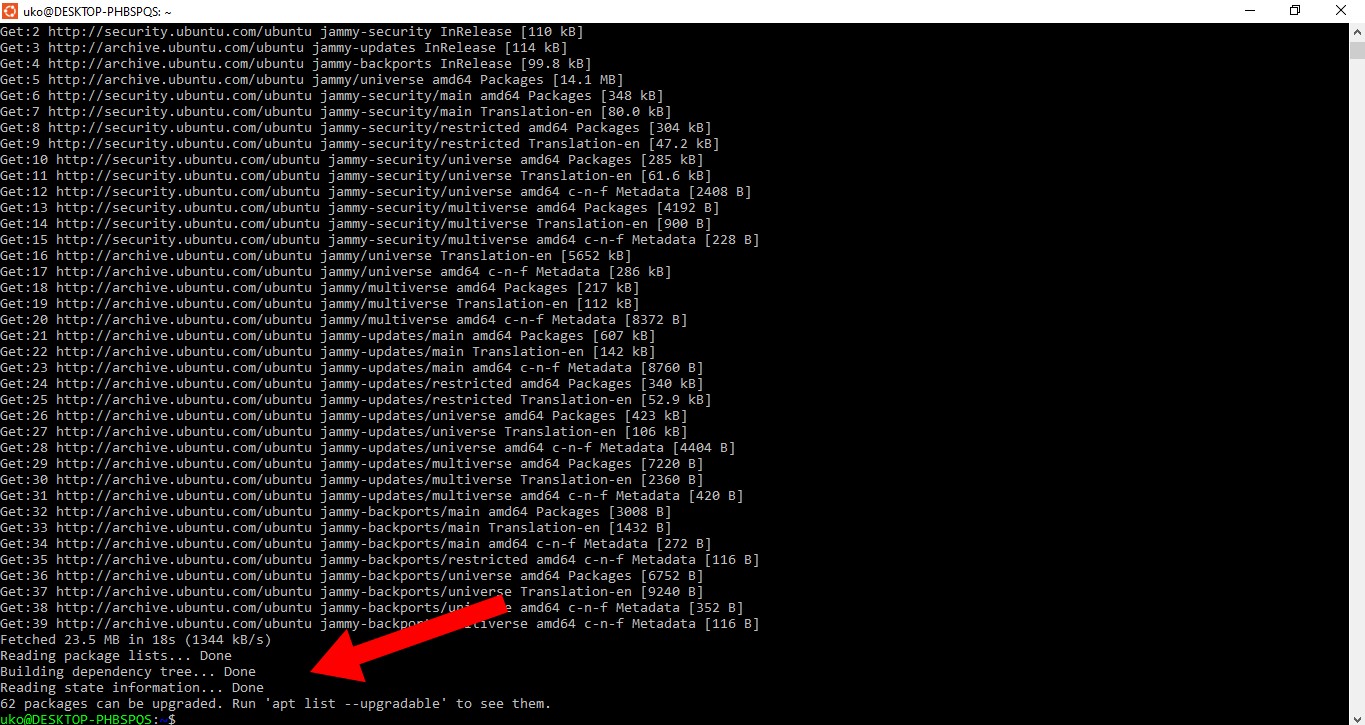
Install the
dnsutilspackage, which contains nslookup and other BIND DNS query tools:sudo apt install dnsutilsAPT installs the
bind9-dnsutilspackage (the current package name) along with its dependencies. Thednsutilsname is a transitional package that redirects tobind9-dnsutils.If nslookup is already installed, APT displays a confirmation message:
Reading package lists... Done
Building dependency tree... Done
Reading state information... Done
Note, selecting 'bind9-dnsutils' instead of 'dnsutils'
bind9-dnsutils is already the newest version.
0 upgraded, 0 newly installed, 0 to remove and 0 not upgraded.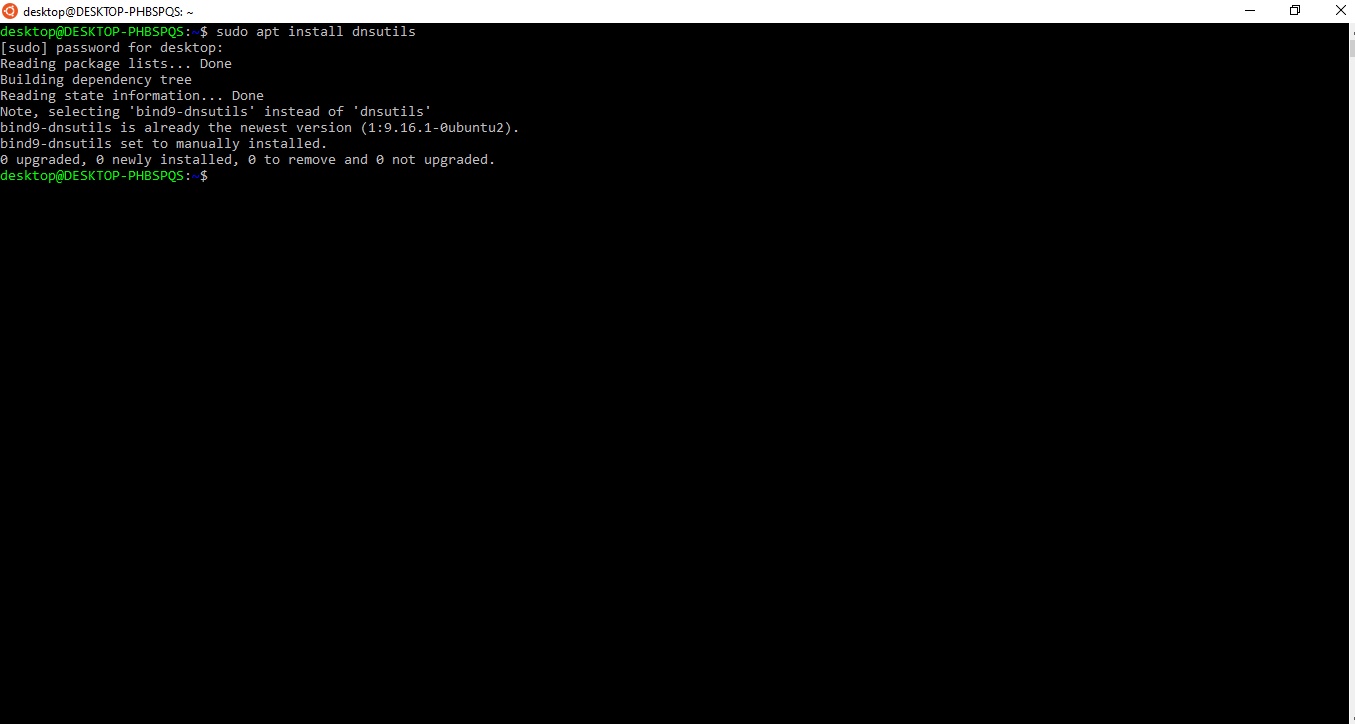
How to Verify
Run nslookup with a test domain to confirm the installation succeeded:
nslookup example.comnslookup should return the IP address for
example.com from the system's configured DNS resolver. If the command is found and returns DNS results, the installation is complete.
Common Issues
The
apt install dnsutils command returns "E: Unable to locate package dnsutils."The package repositories are not configured or the package list is outdated. Run
sudo apt update first, then retry the installation.
nslookup command not found after installation.The
dnsutils package installs nslookup to
/usr/bin/nslookup. Verify the binary exists:
which nslookupIf the command returns no output, the package did not install correctly. Reinstall with
sudo apt install --reinstall bind9-dnsutils.
nslookup is already installed but an older version.Ubuntu installs nslookup as part of the BIND 9 DNS utilities. Upgrade to the latest available version:
sudo apt update && sudo apt upgrade bind9-dnsutils