Logrotate command snippets
Copy-paste-ready Logrotate commands and configuration blocks for common log rotation tasks on Linux.
- Force Rotate All Log Files with Logrotate
- Force Rotate a Single Application Log with Logrotate
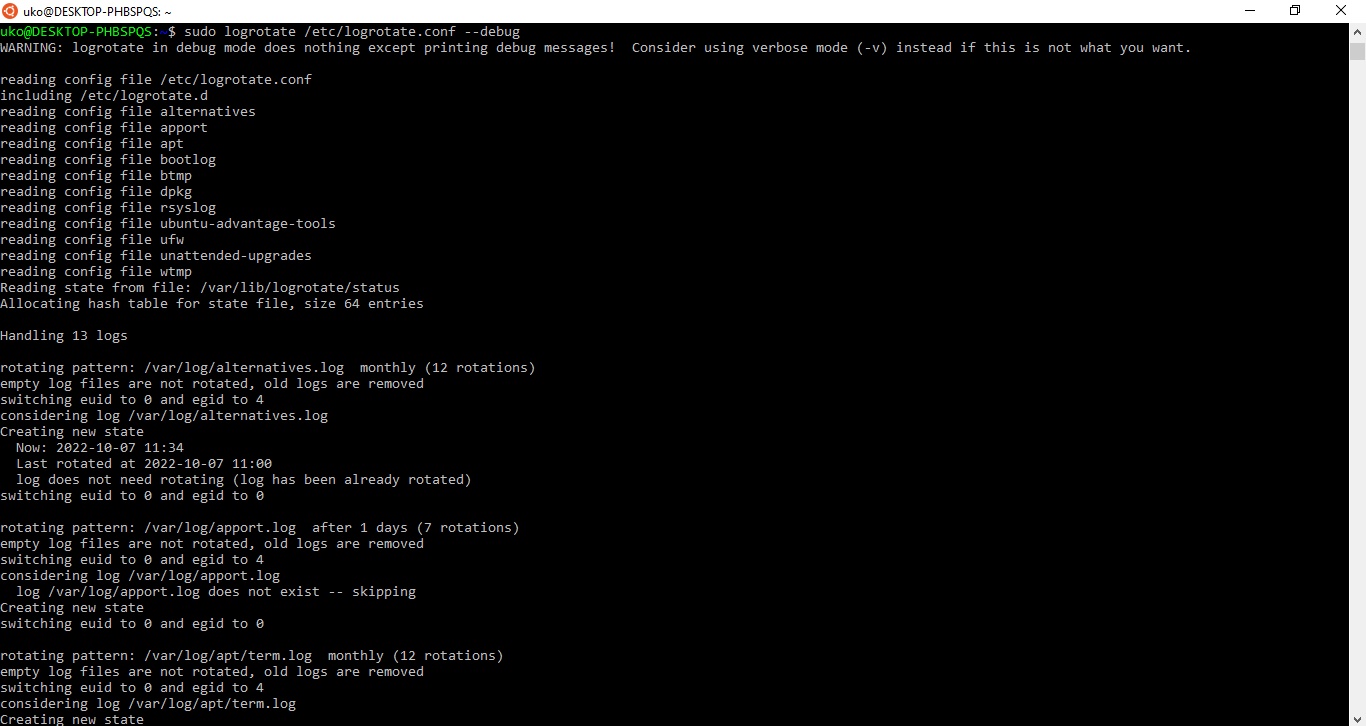
- Run Logrotate in Debug Mode
- Run Logrotate with Verbose Output
- Remove Rotated Log Files Older Than 30 Days with Logrotate
- Move Rotated Log Files to a Different Directory with Logrotate
- Add Date Stamps to Rotated Filenames with Logrotate
- Logrotate Configuration with Postrotate Hook for Nginx
- Logrotate Configuration with Copytruncate for Apache HTTP Server
- Check Logrotate State File
- View the Default Logrotate Cron Job
Copy-paste-ready Logrotate commands and configuration blocks for common log management tasks.
Force Rotate All Log Files with Logrotate
Logrotate forces immediate rotation of all configured log files with the
-f flag. This command ignores schedule and size conditions:
sudo logrotate -f /etc/logrotate.confForce Rotate a Single Application Log with Logrotate
Logrotate can target a single application configuration file to force rotation for that application only:
sudo logrotate -f /etc/logrotate.d/{YOUR_APP}Run Logrotate in Debug Mode
Logrotate simulates rotation without modifying any files when invoked with the
-d flag. Use debug mode to test configuration changes:
sudo logrotate -d /etc/logrotate.confRun Logrotate with Verbose Output
Logrotate prints detailed processing information with the
-v flag. Combine with
-f to see exactly what happens during forced rotation:
sudo logrotate -vf /etc/logrotate.confRemove Rotated Log Files Older Than 30 Days with Logrotate
Logrotate deletes rotated files older than the specified number of days when the
maxage directive is set. Add this directive to the application configuration block in
/etc/logrotate.d/:
/var/log/{YOUR_APP}/*.log {
    daily
    rotate 14
    maxage 30
    compress
    missingok
    notifempty
}
Move Rotated Log Files to a Different Directory with Logrotate
Logrotate moves rotated files to a separate directory with the
olddir directive. The target directory must exist before Logrotate runs:
/var/log/{YOUR_APP}/*.log {
    weekly
    rotate 4
    compress
    olddir /var/log/{YOUR_APP}/archive
    missingok
    notifempty
}
Add Date Stamps to Rotated Filenames with Logrotate
Logrotate appends a date suffix instead of a numeric counter when the
dateext directive is active. Combine with
dateformat to control the format:
/var/log/{YOUR_APP}/*.log {
    daily
    rotate 14
    compress
    dateext
    dateformat -%Y%m%d
    extension .log
    missingok
    notifempty
}
Logrotate Configuration with Postrotate Hook for Nginx
Logrotate sends the USR1 signal to Nginx after rotation so that Nginx reopens its log files. The
sharedscripts directive ensures the signal runs once per rotation cycle:
/var/log/nginx/*.log {
    daily
    rotate 14
    compress
    delaycompress
    missingok
    notifempty
    create 0640 www-data adm
    sharedscripts
    postrotate
        [ -f /var/run/nginx.pid ] && kill -USR1 $(cat /var/run/nginx.pid)
    endscript
}
Logrotate Configuration with Copytruncate for Apache HTTP Server
Logrotate copies and truncates the log file in place with the
copytruncate directive. This avoids the need to reload Apache HTTP Server after rotation:
/var/log/apache2/*.log {
    weekly
    rotate 12
    compress
    delaycompress
    copytruncate
    missingok
    notifempty
}
Check Logrotate State File
Logrotate stores the last rotation timestamp for each log file in its state file. View this file to verify rotation history:
cat /var/lib/logrotate/statusView the Default Logrotate Cron Job
Logrotate runs daily through a cron job or systemd timer. Check the cron job entry to confirm it exists:
cat /etc/cron.daily/logrotate