
How to install Logrotate on Ubuntu
Install and verify Logrotate on Ubuntu using apt to enable automated log file rotation, compression, and deletion.
Install Logrotate on Ubuntu to automate log file rotation, compression, and cleanup on your server.
Prerequisites
- Ubuntu 20.04, 22.04, or 24.04.
- Root or sudo access.
- An active internet connection for package downloads.
Step-by-Step: Install Logrotate on Ubuntu
Update the Ubuntu package index to ensure apt pulls the latest available version of Logrotate:
sudo apt updateThe output ends with a summary of available package upgrades:
Reading package lists... Done
Building dependency tree... Done
Reading state information... Done
62 packages can be upgraded. Run apt list --upgradable to see them.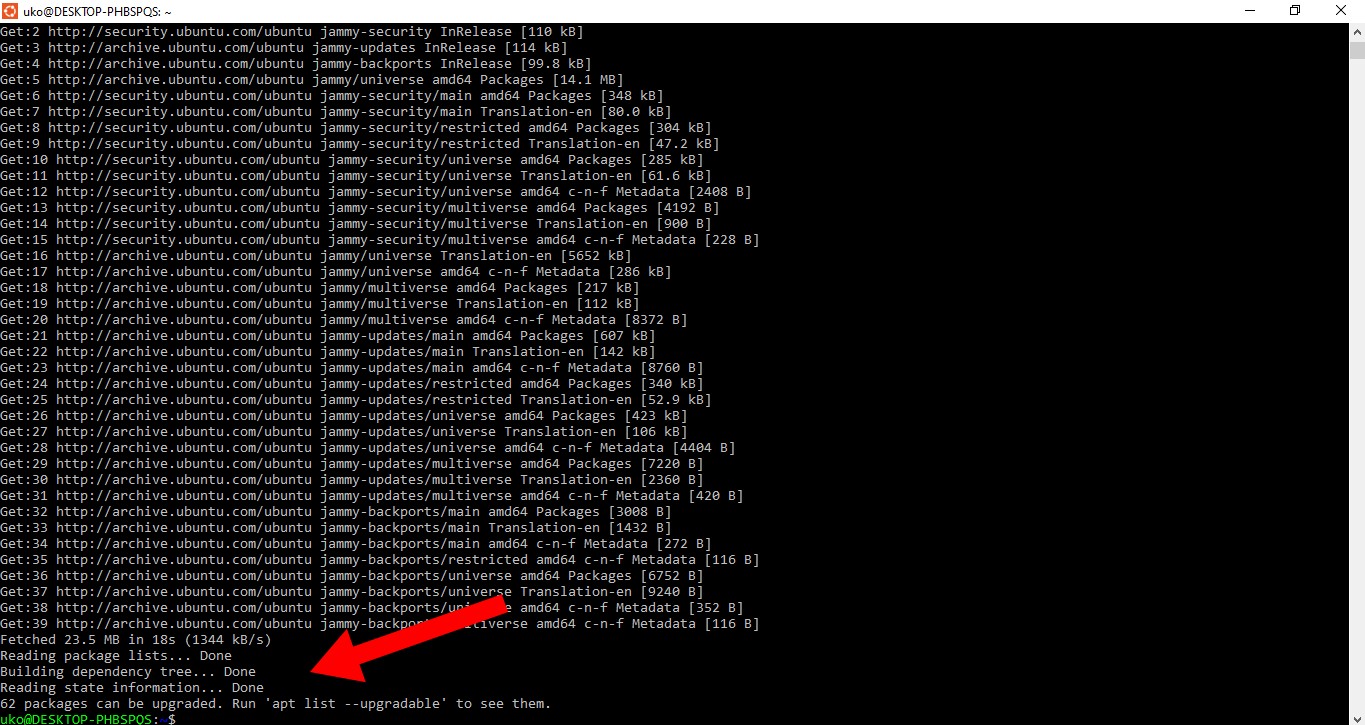
Install Logrotate using the apt package manager:
sudo apt install logrotateIf Logrotate is already installed, apt reports the current version and takes no action:
Reading package lists... Done
Building dependency tree
Reading state information... Done
logrotate is already the newest version (3.14.0-4ubuntu3).
0 upgraded, 0 newly installed, 0 to remove and 0 not upgraded.
Confirm the Logrotate installation by checking its version:
logrotate --versionLogrotate prints its version number and supported features.
How to Verify Logrotate Was Installed Successfully
Logrotate should have a cron job or systemd timer configured after installation. Check that the daily cron job exists:
ls -la /etc/cron.daily/logrotateLogrotate also creates its configuration directory. Verify it contains application-specific configuration files:
ls /etc/logrotate.d/The directory lists configuration files for installed packages such as
apt,
dpkg,
rsyslog, and any web servers.
Common Issues When Installing Logrotate on Ubuntu
Logrotate package not found.Run
sudo apt update before attempting the install. The package index may be outdated.
Permission denied during installation.Use
sudo with the apt command. Logrotate installation requires root privileges.
Logrotate already installed but outdated.Run
sudo apt upgrade logrotate to update Logrotate to the latest version available in the Ubuntu repositories.